Integrations
Works on the platform you already use
No migration, no developer. Add your AI support agent to any site that lets you paste a script tag, and it appears on every page.
One script tag · No migration · Configurable per site
<script
  src="https://app.supportweave.com/widget.js"
  data-chatbot-id="YOUR_CHATBOT_ID"
  async
></script>Your exact snippet (with your chatbot id) is in the dashboard Install tab.
Pick your platform
Step-by-step guide for your stack
Whatever you built your site with, there's a two-minute guide to get your AI agent live.
Don't see your platform? If you can paste a snippet before </body>, Supportweave works. See the universal guide.
From walkthrough to live chat in three steps
Step 1
Configure your agent
We set it up with you: trained on your site and docs, then branded to match.
Step 2
Copy one snippet
Grab the embed from the Install tab. It already has your chatbot id filled in.
Step 3
Paste it anywhere
Drop it into your platform's footer or custom-code box. Live on every page.
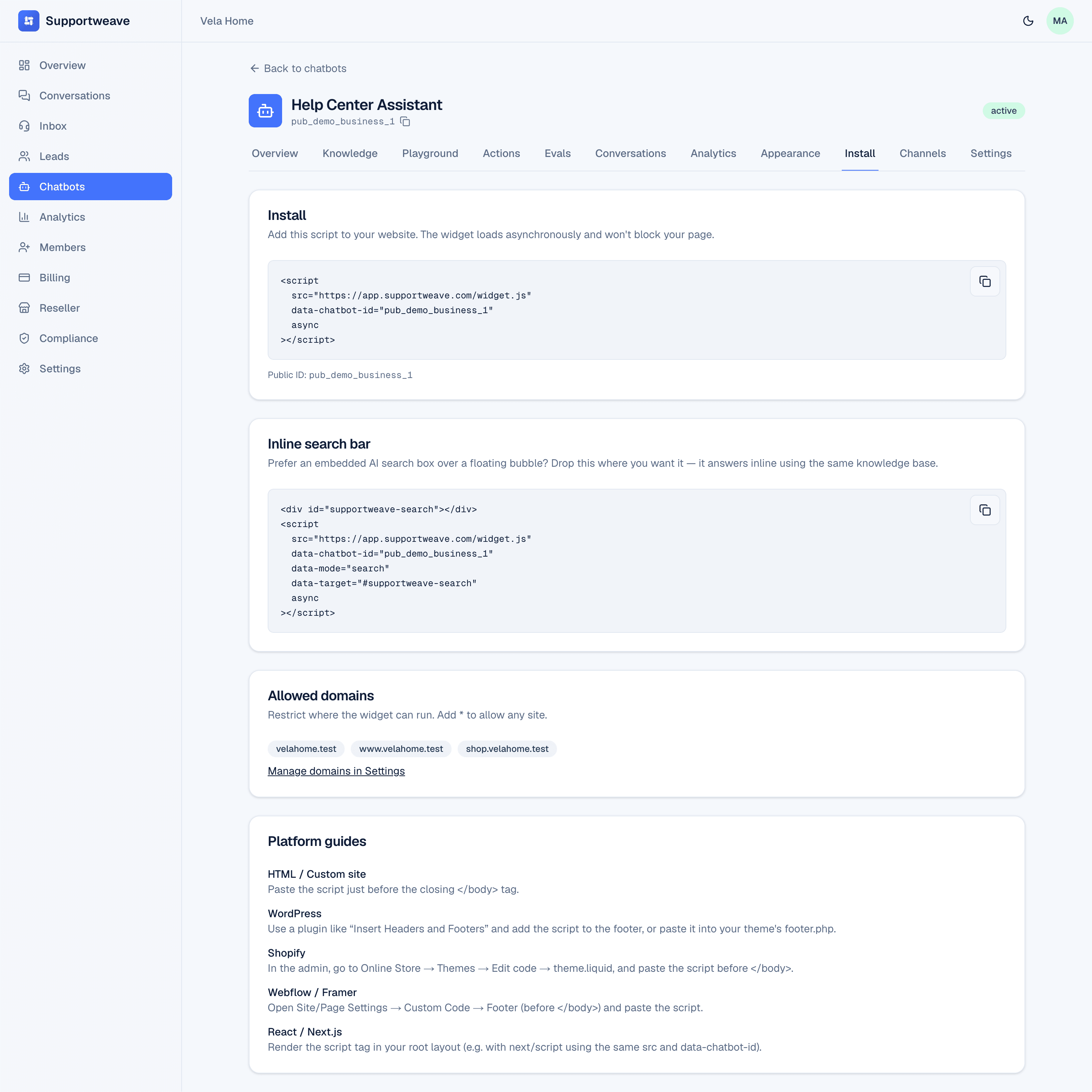
The snippet is right in your dashboard
Every chatbot ships with a ready-to-paste embed, plus an inline search-bar variant if you'd rather build the AI into your page.
- Works on any CMS, site builder, or JavaScript framework
- Loads asynchronously, so it never blocks your page render
- One agent shows up site-wide, on every page automatically
- Prefer a search box? Use the inline search variant instead
See the install on your own site
Share your website, customer channels and support goals. We'll show how Supportweave answers questions, completes approved actions and escalates conversations for your business or clients.