Preparing for public launch. Book a personalized walkthrough

All articles

Channels

Channels playbooks

Everything we've written on channels.

Put one AI chatbot on every channel your customers use
Channels

Put one AI chatbot on every channel your customers use

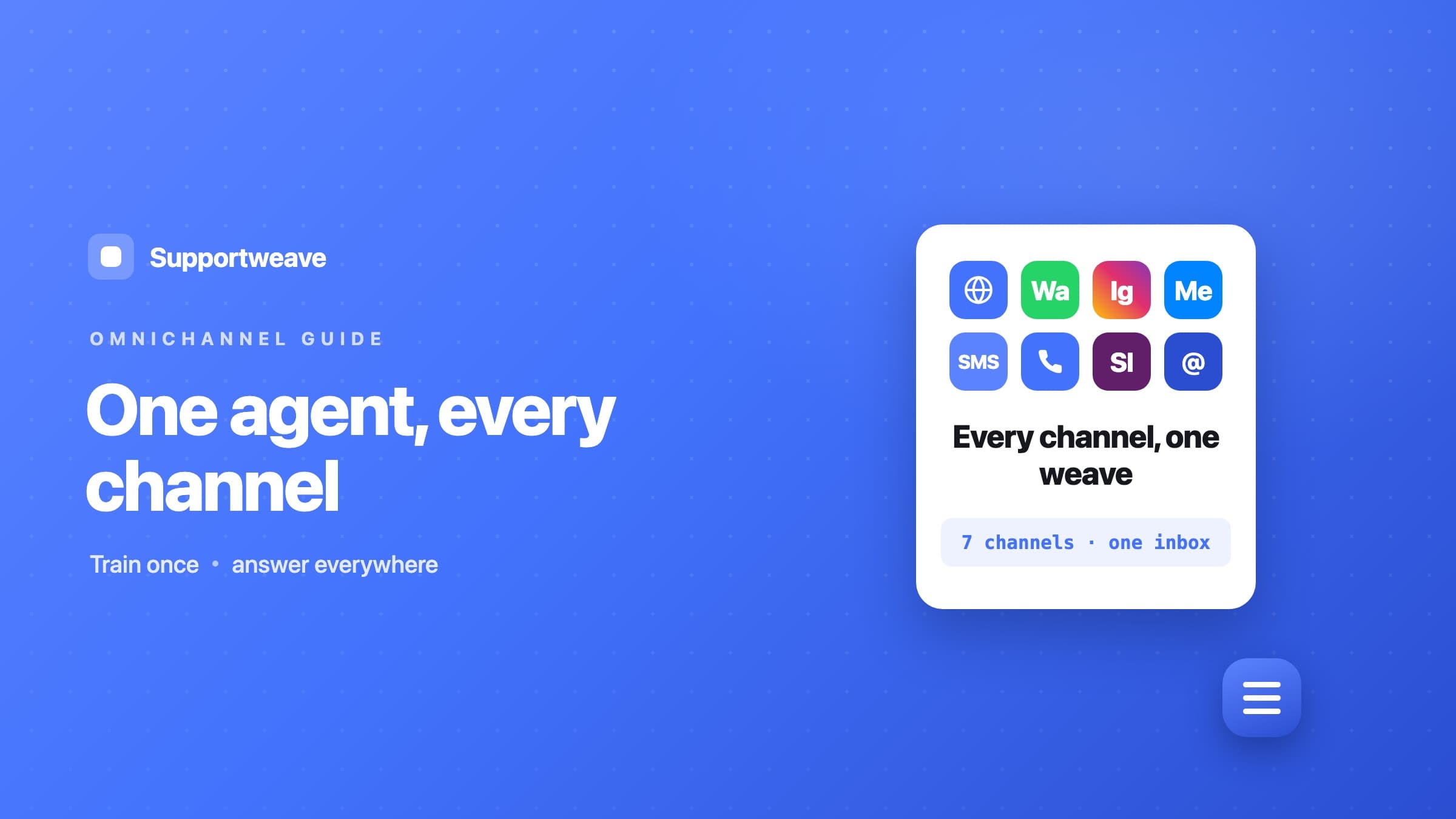
Your customers don't pick a channel, they pick the nearest app. The AI answers instantly on your website, phone line, WhatsApp, Instagram, SMS, and more — while email lands in one shared inbox where your team replies with an AI copilot at their side.

July 15, 2026 · 4 min read

How to add an AI chatbot to your support email
Channels

How to add an AI chatbot to your support email

Your support inbox fills faster than anyone can clear it. Forward it into one shared inbox where every email is flagged for a human the moment it arrives, an AI copilot drafts the reply from your knowledge base, and your team approves and sends.

July 14, 2026 · 4 min read

How to add an AI chatbot to Facebook Messenger
Channels

How to add an AI chatbot to Facebook Messenger

People message your Facebook Page expecting a fast reply. Connect Messenger to SupportWeave and the AI answers every message itself, grounded in your knowledge base — replies go straight back into the thread, and one switch hands the channel to your team whenever you want a person on it.

July 14, 2026 · 4 min read

How to add an AI chatbot to Instagram DMs
Channels

How to add an AI chatbot to Instagram DMs

Customers DM about products, hours, and availability, then wait. Connect Instagram DMs and story replies to SupportWeave and the AI answers every message itself, grounded in your knowledge base — replies go straight back as a DM, and one switch hands the channel to your team whenever you want a person on it.

July 14, 2026 · 4 min read

How to add an AI chatbot to Slack
Channels

How to add an AI chatbot to Slack

Route every Slack question through an AI that answers from your own docs by default and sends the reply straight back in Slack — or flip one toggle to go human-first, where a teammate answers with an AI-drafted reply. Either way it all lands in one shared inbox.

July 14, 2026 · 4 min read

How to add an AI chatbot to SMS
Channels

How to add an AI chatbot to SMS

Point your Twilio number at SupportWeave and every inbound text gets an AI answer from your own docs by default, sent straight back as a text — or flip one toggle to go human-first, with an AI-drafted reply your team reviews and sends. It all lands in one shared inbox.

July 14, 2026 · 4 min read

How to add an AI chatbot to WhatsApp
Channels

How to add an AI chatbot to WhatsApp

Meet customers in the app they already use. Connect WhatsApp Business to SupportWeave and the AI answers every inbound message itself, grounded in your knowledge base — replies go straight back into the thread, and one switch hands the channel to your team whenever you want a person on it.

July 14, 2026 · 4 min read

How to get an AI voice agent answering your phone
Channels

How to get an AI voice agent answering your phone

Not every customer wants to type. Put an AI voice agent on your business line that answers calls 24/7, books appointments by voice, and drops every transcript in your inbox.

July 14, 2026 · 4 min read

See these ideas running in your own agent

Share your website, customer channels and support goals. We'll show how Supportweave answers questions, completes approved actions and escalates conversations for your business or clients.