Put one AI chatbot on every channel your customers use
Supportweave Team · July 15, 2026 · 4 min read
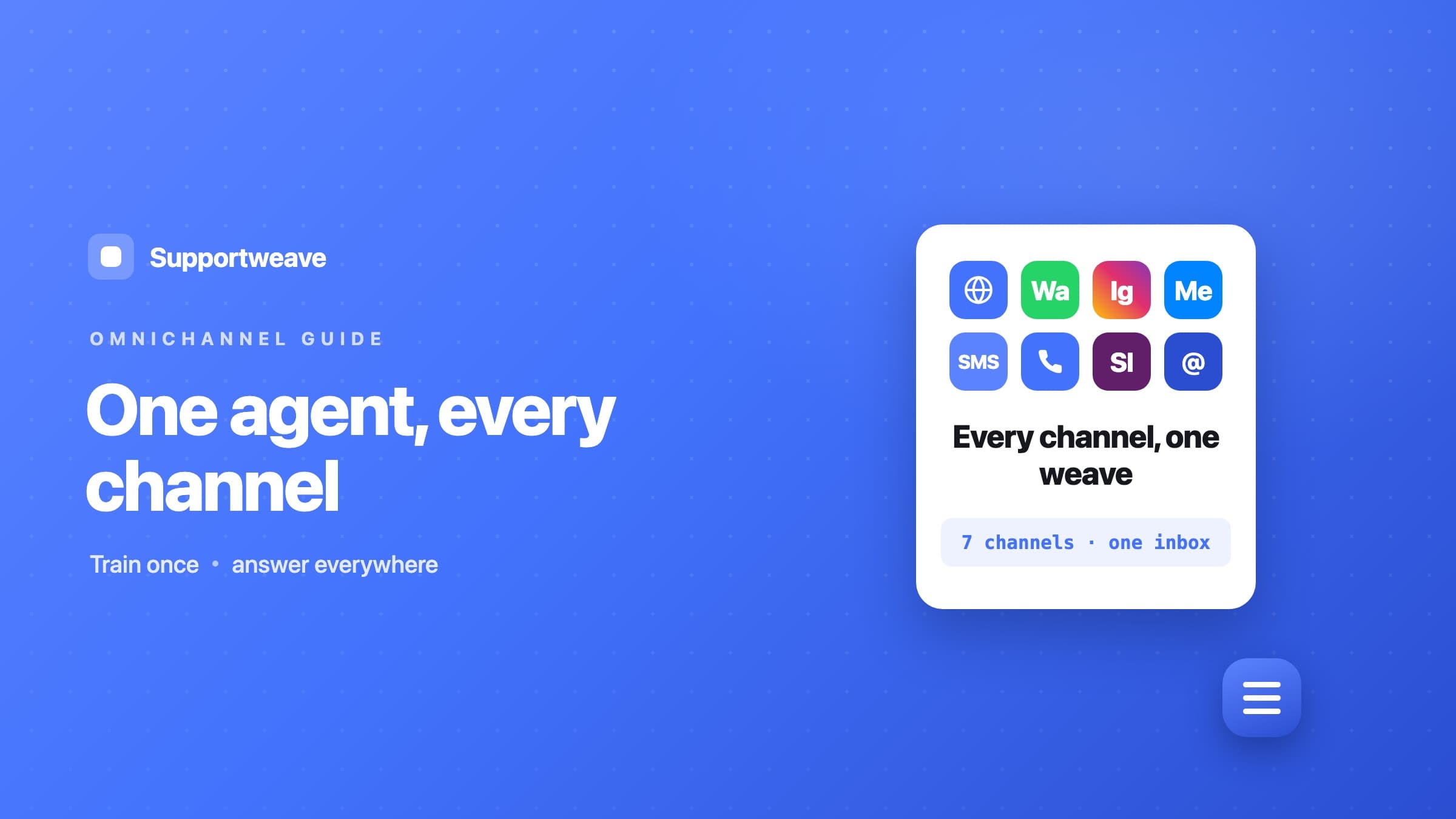
Your customers don’t choose a channel. They choose the nearest app. One lands on your website and opens the chat bubble. Another messages your WhatsApp from a saved contact. A third taps your Instagram DMs. A fourth just calls.
A chatbot bolted onto one page catches whoever happens to be on that page and misses everyone else. Supportweave takes a different approach: one workspace that covers every channel your customers already use. Across your website widget, your phone line, WhatsApp, Messenger, Instagram, SMS, and Slack, the AI answers on its own — grounded in your knowledge base, with sources. Email routes to your team, who reply with an AI copilot drafting the answer from that same knowledge base. Prefer a person on one of the chat channels? Flip its AI replies toggle off and it goes human-first, just like email. And whenever a visitor asks for a human — or a workspace runs out of credits — the conversation drops into one shared inbox and wait queue, firing desktop alerts so someone picks it up fast. Either way the customer gets a fast, on-brand reply on the channel they chose.
Why one workspace beats a bot per channel
Standing up a separate bot per channel means a knowledge base to keep current for each, another place to check for messages, and one more chance for the answers to drift apart. One workspace fixes all of that.
- Train once. Crawl your site, upload docs, add FAQs — every AI-answered channel replies from that knowledge with sources, and your inbox copilot drafts from the very same source when a human takes over.
- Consistent answers everywhere. Because every channel pulls from one knowledge base, a WhatsApp reply and a website answer say the same thing.
- One shared inbox. Every conversation — chat, voice, and every messaging channel — lands in one place, tagged by channel, and replies go back out on the same channel they came in on.
- One place for the rest. Human handoff, captured leads, booked appointments, and analytics all live in a single dashboard instead of scattered across apps.
And because the whole thing is white-label, your customers see your brand on every channel, never ours.
How connecting a channel works
The pattern is the same for every channel, so once you’ve done one the rest follow the same short steps.
- 1In the dashboard, open your chatbot and go to its Channels tab.
- 2Pick the channel you want to connect.
- 3Supportweave hands you a webhook URL, plus any extra values the provider needs, like a verify token.
- 4Paste those into the provider’s settings.
That’s it. The provider forwards incoming messages to Supportweave — answered live by the AI on the widget, voice line, and your AI-first chat channels, or routed into your shared inbox for a human on email (and any chat channel where you’ve switched AI replies off). You do this once per channel after the chatbot is trained.
The channels, one by one
Website widget
The fastest win, and one of the surfaces where the AI answers on its own. Copy one script tag from the Install tab and drop it before </body>, and the floating chat bubble appears on every page. See the website guide. If you’re on Shopify, WordPress, or another platform, there are step-by-step platform guides too. Visitors can even download a transcript of their chat from the widget’s menu.
Where a lot of customers already message businesses. Connect your WhatsApp Business number and the AI answers every incoming message on its own, grounded in your knowledge base — or flip the AI replies toggle off to route messages to your shared inbox with a copilot-drafted reply instead. Either way, a visitor who asks for a person is handed to your team. Full steps in the WhatsApp guide.
Facebook Messenger
Bring the DMs coming off your Facebook Page into one place. Connect the Page, paste the webhook, and the AI answers each message from your knowledge base — with the same AI replies toggle to go human-first, and a clean handoff to your shared inbox the moment someone asks for a person. See the Messenger guide.
Turn Instagram DMs into answered conversations instead of a growing backlog. Connect the account and the AI replies to each DM on its own — or switch that channel to human-first, so every DM lands in your inbox for a teammate. Ask for a person and it hands off cleanly either way. Details in the Instagram guide.
SMS
Text-message support on a Twilio number you own. Point the number at Supportweave and the AI answers every text from your knowledge base, back out as SMS — or flip the AI replies toggle off to make it human-first, with a copilot-drafted reply waiting in your shared inbox. Ask for a person and the thread hands off to your team. Walkthrough in the SMS guide.
Voice and phone
Callers talk to the agent, and the full transcript appears in your inbox afterward. Runs on a Twilio number you own. Set it up with the phone guide.
Slack
Best for internal teams. The AI answers Slack messages from the same knowledge base and posts back into the channel — or, with AI replies switched off, routes them to your shared inbox for a teammate to send. Ask for a person and it hands off cleanly. See the Slack guide.
Route a support inbox to Supportweave and every email becomes a thread in your shared inbox, flagged for a human; the copilot drafts a grounded reply and your teammate sends it, with an optional From name so it matches your brand. Steps in the email guide.
Running a help center? The embeddable AI search bar puts the same knowledge inline. Customers type a question and get an answer on the page, no ticket, no waiting.
Where to start
Don’t connect everything at once. Start with your website. It’s the fastest to install, and for most businesses it’s the surface customers reach for first.
Then add the channel your customers actually message you on most. For a local service that’s often the phone or WhatsApp. For a retailer it might be Instagram or email. Add the rest as demand shows up.
Every new channel is the same paste-the-webhook connect, and it all flows into the same workspace and the same knowledge base, so there’s nothing new to train.
One workspace, every channel, one inbox. See everything you can connect on the channels hub, or book a demo and we'll map out which channel to light up first.